View and Pay Your Dues
Check your current dues status, view invoice details, and pay online if your club has Stripe payments enabled.
Before You Begin
- You must be a member of a club that uses dues tracking.
- You need to be logged in to The Club Schedule.
View Your Dues
- Log in and select your club.
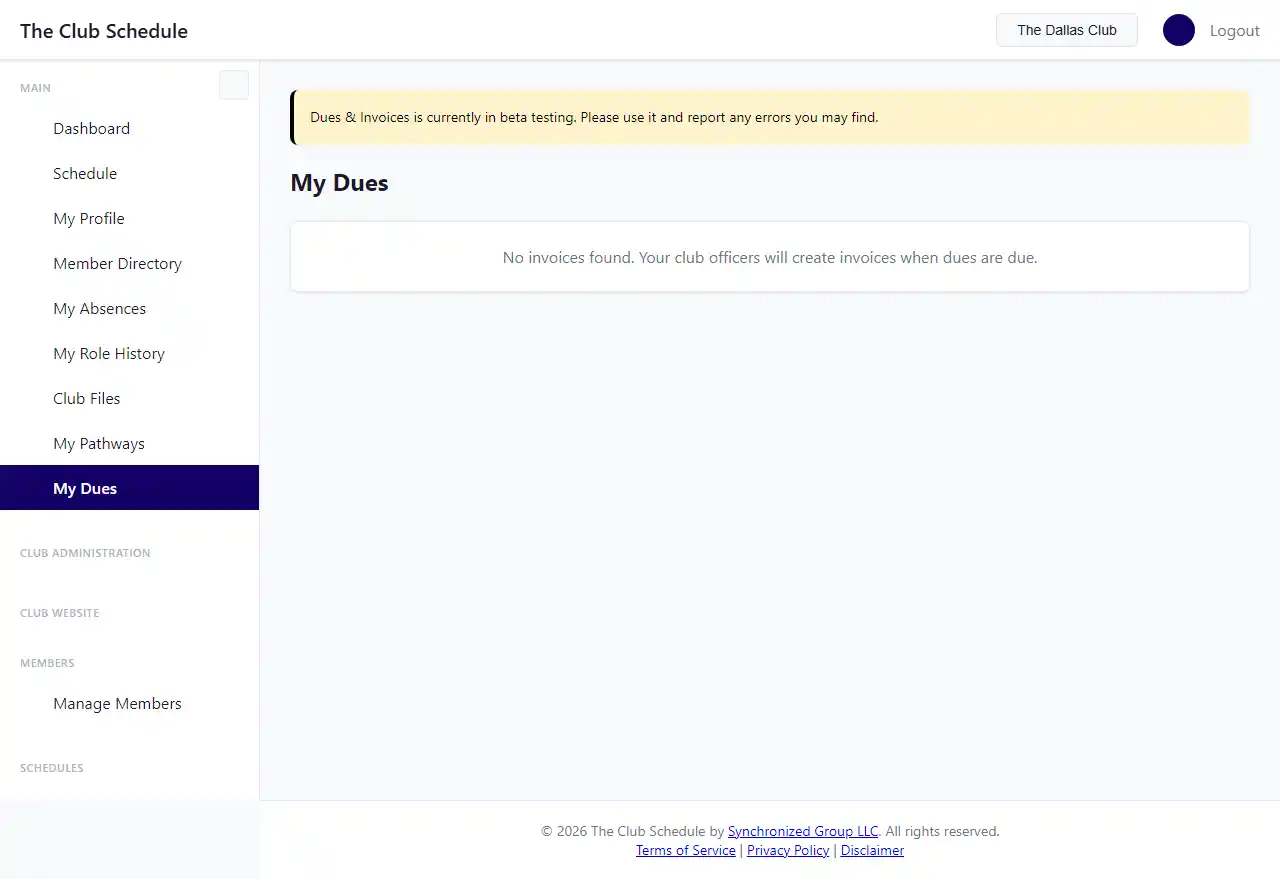
- In the left sidebar under "Personal," click My Dues.
- You will see a list of all invoices sent to you, showing:
- Period: The billing cycle the invoice belongs to (or "Ad-hoc" for one-time charges).
- Amount: Total invoice amount.
- Paid: How much you have paid so far.
- Balance: Remaining amount due.
- Due Date: When payment is expected.
- Status: Sent, Partially Paid, Paid, or Overdue.
View Invoice Details
- On the My Dues page, click the period name for any invoice.
- You will see the full invoice with:
- Line items and amounts.
- Any memo from your club officers.
- Payment history showing what you have paid.
- A Pay Now button if online payment is available.
Pay Online with Stripe
If your club has connected Stripe for online payments, you will see a Pay Now button:
- On the My Dues page (or the invoice detail page), click Pay Now.
- You will be taken to a secure Stripe payment page.
- Enter your payment information and complete the payment.
- Your invoice status will update automatically. There is no need to notify your club officers.
View a Receipt
After a payment has been recorded (whether online or manual), you can view a receipt:
- Open the invoice detail page.
- Click View Receipt.
- The receipt shows the invoice line items, all payments made, and the total.
Tips
- You will only see invoices that have been sent to you. Draft invoices are not visible.
- If your invoice shows as "Overdue," contact your club officers (President, VP Education, Secretary, or Admin) to arrange payment.
- If you do not see a "Pay Now" button, your club may not have online payments enabled. Contact your club officers about how to pay.